Volvo test drive in Queens: two models, back to back
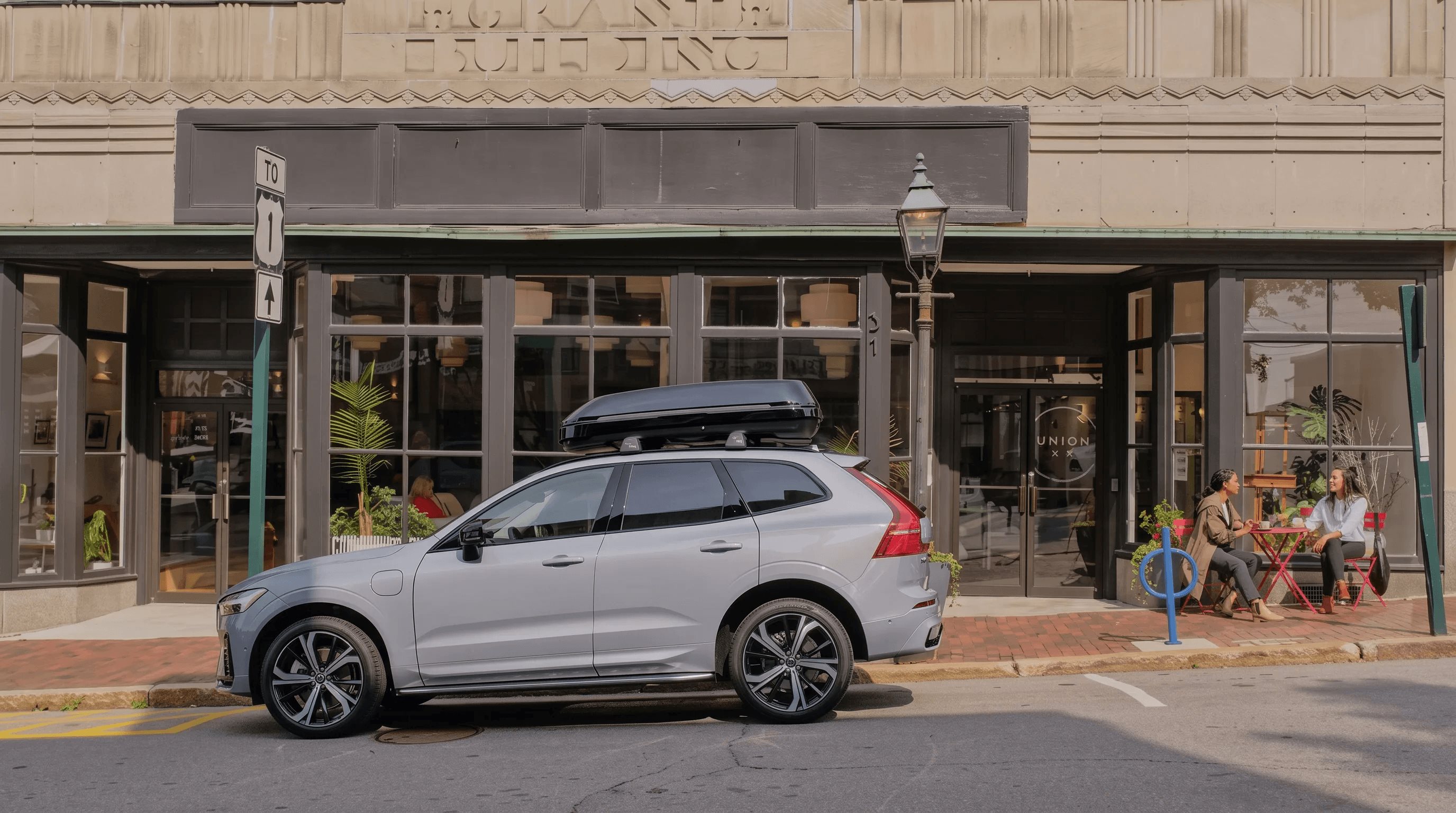
Tell us the two Volvos you are comparing. Once our team confirms both are here, you drive them back to back, every feature explained.
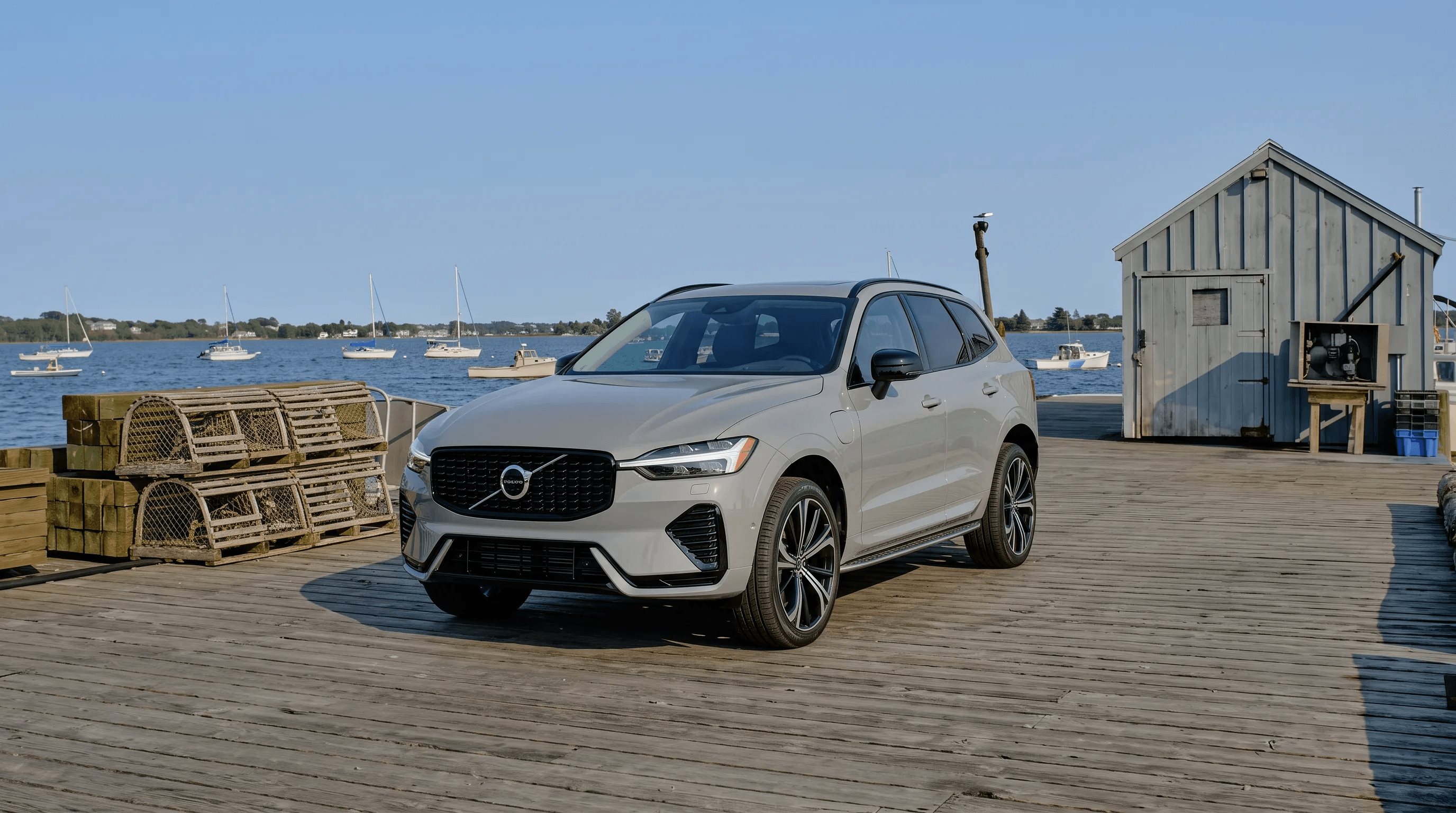
A test drive from Bayside, in both cars you are comparing
Before the car moves, you set the seat, the door mirrors and the displays to suit you, and we walk you through connecting your phone so the drive can use your own maps and music.
On the road you try what matters on Queens streets. Where the car has them, that means the blind spot information system on the merge, Pilot Assist on a steady stretch and the 360-degree camera view in a Bayside parking space.
Our team takes the time to answer every question, and guides you through the visit in your preferred language.
What will you find here?
The driving you do in Queens
Tell us the roads you would like to try: an expressway merge, Northern Blvd traffic, a tight parking space.
Two models, one after the other
Both confirmed by our team before you come, then driven back to back.
Your language
Our team speaks nine languages and guides you through the visit in yours.
What does our team confirm before you arrive?
Step 1: The two models you would like to drive
Noted in your message to our team when you book.
Step 2: Both cars confirmed before you drive over to Bayside
We check the cars are here, then confirm the time.
Step 3: The language you would like to speak
Tell us when you book, and our team guides you through the visit in it.
Step 4: The seat, mirrors and displays set to suit you
And at our showroom, we walk you through connecting your phone.
Step 5: The roads you would like to try
A merge, Northern Blvd traffic and a parking space, if you ask for them.
Step 6: The second car, straight after the first
Driven when you return from the first, once both are confirmed.
Which two Volvos would you like to drive?
Tell us the models, the day and who is coming along to Bayside. We confirm both cars are here before you drive over to 209-18 Northern Blvd.
Our team speaks English, Spanish, Greek, Mandarin, Cantonese, Croatian, Korean, Bulgarian and Italian. Tell us which you would like, and our team will guide you through the visit in it.
Schedule a test drive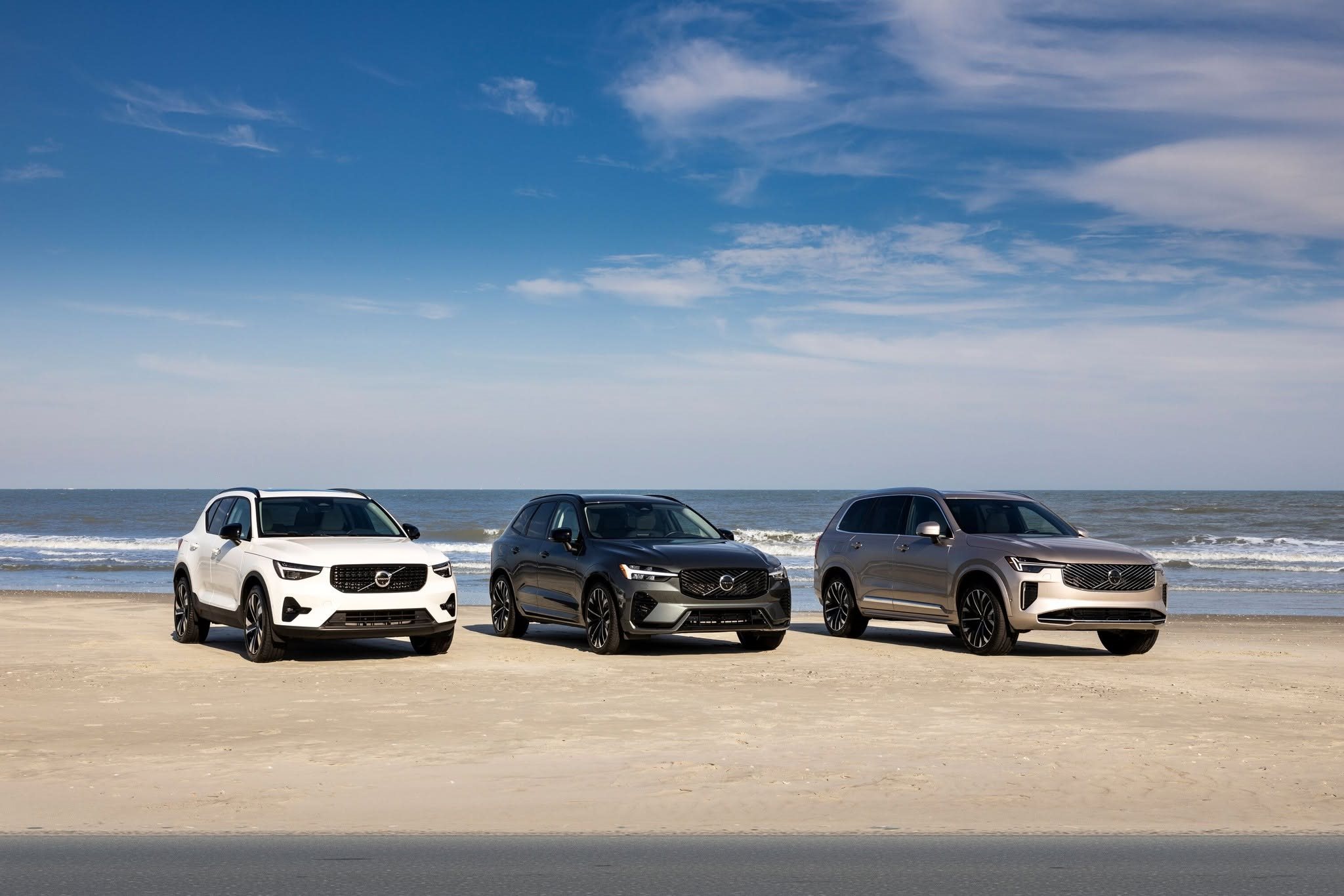
What do Volvo buyers in Queens ask before a test drive?
What does a test drive at our showroom involve?
A drive from Bayside in the car you are considering, with time to set it up before it moves.
- Time to set the seat, the door mirrors and the head-up display before you leave
- Roads you know, if you tell us which
- The second car, once confirmed, driven straight after the first
- Every question answered by our team
Our team confirms the cars you name are in Bayside before you arrive at 209-18 Northern Blvd.
Which Queens roads do we drive?
A route with an expressway merge, the stop-and-go of Northern Blvd and a tight space to park.
- The merge shows how the car gathers speed and how the blind spot information system supports a lane change
- A steady expressway stretch is where Pilot Assist can guide your steering on clear lane markings
- Stop-and-go traffic on Northern Blvd shows the car at the pace you drive most days
- The parking space is where the available 360-degree camera view earns its place
Our showroom is on Northern Blvd, so the drive starts in the traffic you already know.
Can I try Pilot Assist on the drive from Bayside?
Yes, on a car equipped with it, where the road has clear lane markings and the traffic suits it.
- You press the Pilot Assist button on the steering wheel and the car manages speed and distance
- On an XC90 the target speed runs from 20 to 110 mph
- Steering assistance needs lane markings the camera can read
- Your hands stay on the wheel and you remain in charge of the car
At our showroom, we show you the buttons before you set out.
Can I drive two models one after the other?
Yes. Once we confirm both cars are here, you drive them back to back.
- One straight after the other, so the difference you feel is the car
- A moment to set the seat again in the second car before it moves
- Five seats against six or seven, or electric against plug-in hybrid, felt directly
Once both are confirmed, you drive the second straight after the first.
Can I bring the people who ride with me?
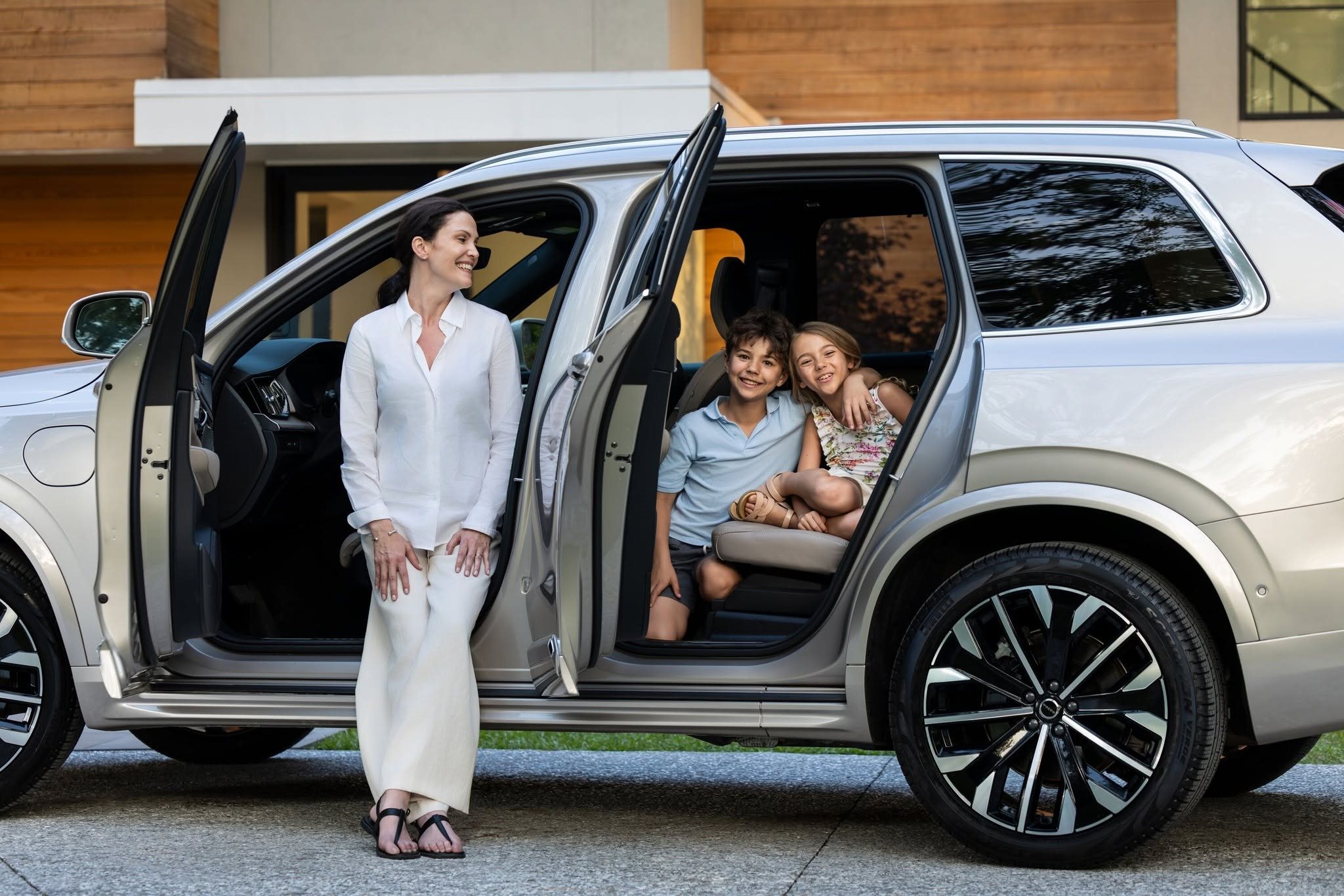
They are welcome. The people in the back seats judge a car on the drive as much as you do.
- Room for a child seat, and where it fits, checked on the car itself
- Rear passengers setting their own temperature on a car with four-zone climate
- The rear door and window child lock worked from the driver seat
- The whole family in the car for the drive
Bring them along for the drive. Kristen wrote in her review: “Answered all my emails promptly, met with my son to preview the car.”
How do I arrange it with our team?
Through the contact form on our site, with the models you want to drive in the message.
- The models, and the pair if you want to compare two
- The day that suits you
- Who is coming along
- The language you would like to speak
Our team confirms the cars and the time. Christina wrote in her review: “I was impressed by the efficient response in scheduling something so quick without having to call or wait on anything.”
We would be glad to arrange your drive in Bayside
Tell us the models you want to drive and who is coming along to Bayside. We will confirm both cars are at our showroom, and the time.
Contact usVolvo Cars of Queens customer reviews
| What people mention | In their words |
|---|---|
| More than one car, more than one visit | “I visited three times and each time they took me on a test drive of one or more vehicles.”Linda Blyer, 5-star Google review |
| The features shown on the drive | “He took us for a test drive, reviewed the features of the car with us, was completely knowledgeable of the vehicle, and was more than happy to answer any questions we had about the vehicle.”Pierre JF, 5-star Google review |
| Bringing the family | “I came in with my husband and 2yr old daughter, the patience and care the staff showed us was beyond.”Ant Olive, 5-star Google review |
| Patience with language | “The genuine friendliness of everyone at Volvo Cars of Queens, the honesty, the patience (my English, hesitations, doubts, explaining to my sons...), the professionalism, the desire to choose the best car for me - my needs, explaining every little detail (I have been driving Volvo for 4 years and many details have never been explained to me ).”Irina, 5-star Google review |
What happens on the drive, and what we confirm first?
1. The expressway, Northern Blvd and a tight space, stretch by stretch
Tell us if you would like the drive from our showroom at 209-18 Northern Blvd to join the expressway, come back through the traffic on Northern Blvd and finish in a tight parking space.
| The stretch | What it shows you | What to try |
|---|---|---|
| Northern Blvd traffic | The car at the pace of most of your driving | The ride, the quiet and the view out at a busy crossing |
| The expressway merge | How the car gathers speed onto a fast road | The blind spot information system as you change lanes |
| A steady expressway stretch | Where Pilot Assist can guide speed and steering | Pilot Assist, on a car equipped with it and on clear lane markings |
| A tight parking space | How the car fits where you leave it | The available 360-degree camera view on the center display |
| Reversing out of it | What the car sees behind you | Cross Traffic Alert with auto brake |
| The second car | The whole route, in the other model | Differences in ride, room and view show on identical roads |
A drive that joins the expressway, runs through the Northern Blvd traffic and ends at a parking space on a side street shows the Volvo on the roads you use every week.
The merge onto the Cross Island Parkway or the LIE is the moment to try the blind spot information system. It supports you when you change lanes, and if there is a risk of collision with a vehicle in the adjacent lane it can adjust the steering.
The parking space shows the available 360-degree camera view, and reversing out of it shows Cross Traffic Alert, which supports you when you reverse with a limited view and can brake if needed.
Tell us the roads you use most, the school run, the commute or the drive out to Long Island, and we will see whether the drive can include them.
Our showroom is open Monday to Thursday from 9 AM to 8 PM, Friday from 9 AM to 7 PM and Saturday from 9 AM to 6 PM, and our directions and hours page shows the way to 209-18 Northern Blvd.
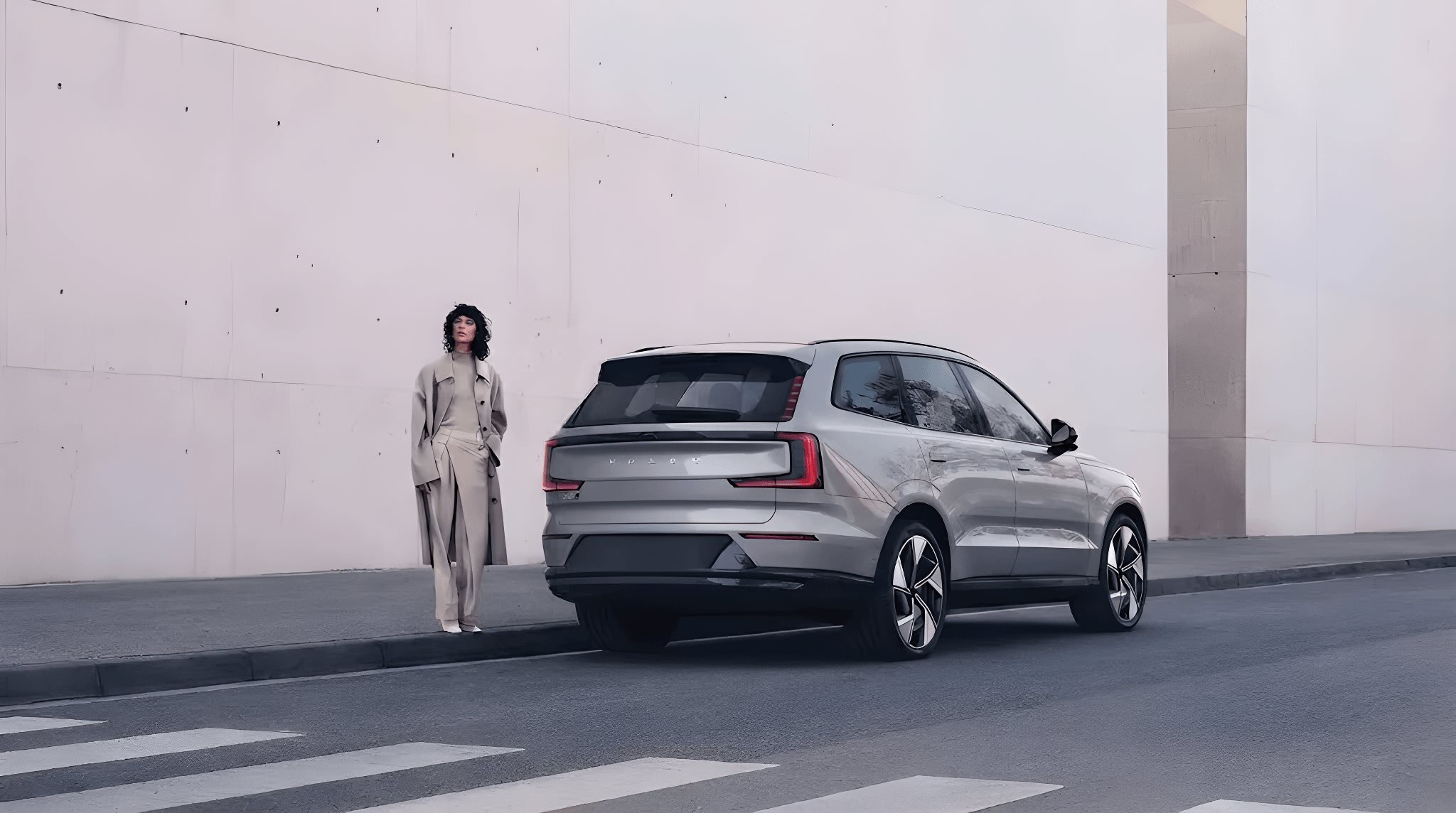
2. Pilot Assist on the expressway, with you in charge
Pilot Assist manages speed and distance to the vehicle ahead and, on clear lane markings, guides your steering. You keep your hands on the wheel and you stay responsible for the drive.
| On an XC90 | The figure | What it means on the drive |
|---|---|---|
| Target speed | 20 to 110 mph | Set with the steering wheel buttons once Pilot Assist is on. |
| Activation | Above 9 mph | It then accelerates to the minimum set speed. |
| In stop-and-go traffic on Northern Blvd | Below 9 mph | It can stay active while there is a vehicle ahead to follow. |
| Steering assistance | Up to 87 mph | Unavailable above that speed, and paused during a lane change. |
| A stopped vehicle ahead | Above 44 mph | Not treated as a vehicle to follow, so you brake or steer. |
| Your hands | On the wheel | The car can make a controlled stop if you do not respond. |
You press the Pilot Assist button on the steering wheel, and the first time you press it on a drive, your speed at that moment becomes the target speed. From there the car manages acceleration and braking to meet it while adapting to the traffic around you.
Steering assistance needs lane markings the camera can identify. On a stretch where the markings are worn, the car may turn steering assistance off for a while, and it comes back once the conditions are met again. It is unavailable during a lane change and pauses when you use the turn signal, which is why we recommend a steady stretch of the Long Island Expressway to try it.
You stay in charge the whole time, from Bayside and back. Above 44 mph a vehicle stopped in your lane is not treated as one to follow, and that is yours to act on.
The figures in the table are the XC90's, and at our showroom we show you the buttons and settings on the model you drive before the car moves.
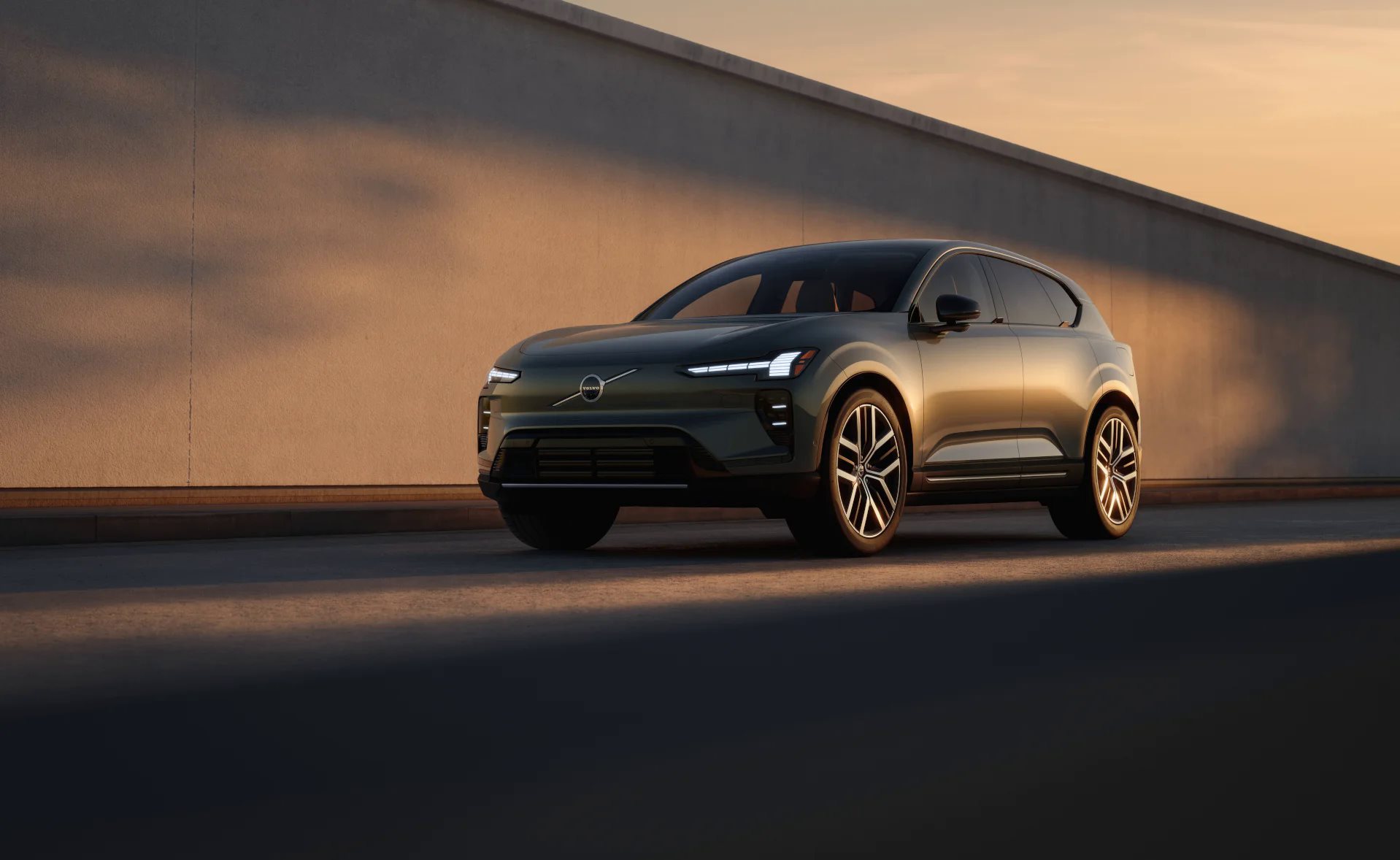
3. Seat, mirrors and head-up display, set before the car moves
A drive tells you most when the car fits you from the first turn. You set the seat, the mirrors and the displays before you set out, and on a car with memory seats the position can be saved.
| What you set | Where it is | Why it matters on the drive |
|---|---|---|
| The driver seat | Power controls on the seat | You reach the pedals and the wheel comfortably, and the view out is yours. |
| The memory buttons | On the inside of the front door | The mirrors and the head-up display are stored with the driver seat. |
| Saving a position | The M button, then a memory button | Within three seconds, and a sound confirms it. |
| The driver display | 12.3 inches on the XC90, behind the wheel | Calm shows speed and basic navigation; Navi adds a detailed map. |
| The head-up display | Optional, projected onto the windshield | Speed, speed limits and navigation prompts in your line of sight. |
| Your profile | The active user profile | The car keeps your saved positions with it. |
The drive starts in the parked car at 209-18 Northern Blvd: the seat set so you reach the pedals and the gear selector comfortably, then the door mirrors, then the head-up display on a car equipped with it.
Before you leave our showroom, we show you how the M button saves the position, and the door mirrors and the head-up display are saved with the seat in your user profile.
Whoever else will drive the car is welcome at our showroom to set the seat in turn. Terry wrote in a review of our team: “He took his time and was very patient with me.”
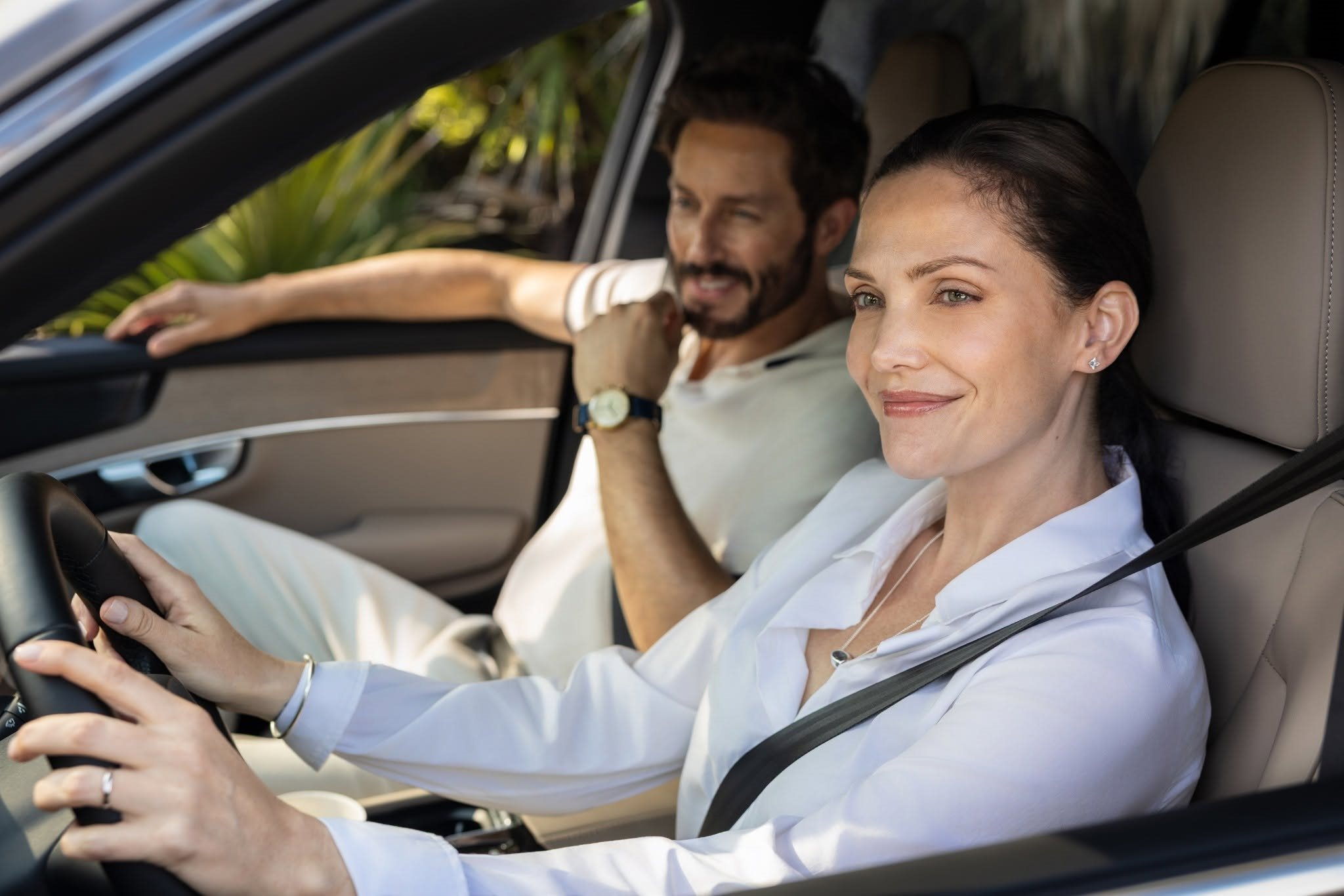
4. Google built-in and your own phone, tried on Northern Blvd
The center display runs navigation, media and driver support, with Google built-in. We walk you through connecting your phone before you leave our showroom, so the drive can use your own maps, music and contacts.
| Try this | How to try it | What it tells you |
|---|---|---|
| Voice control | "Hey Google", or the voice button on the wheel | Whether you can reach climate, calls and audio without looking away. |
| Google Maps | A destination you drive to every week | The route and the rerouting on live Queens traffic. |
| Apple CarPlay | Your iPhone in the USB-C port in the center console | Your own apps on the center display, with the phone charging. |
| Android Auto | Your Android phone in the same port | Your Android apps on the center display, with the phone charging. |
| The fixed menu | Along the bottom of the center display | Home screen, climate and car settings in one touch. |
| Your Google account | Signed in on the car | Your contacts and calendar available through the assistant. |
On an XC90 the free-standing center display measures 11.2 inches and runs navigation, entertainment and driver support.
Voice is the part to try while driving through Northern Blvd traffic. "Hey Google" or the voice control button on the steering wheel wakes the assistant, and from there everyday phrases work. Signed in with a Google account, the assistant can call your Google contacts and read your calendar when the car is online.
Google Maps, Google Assistant and apps from the Google Play Store come with unlimited data for four years with a new Volvo.
With your phone connected, the drive plays your music and navigates to a place you know in Queens. Of the 455 written Google reviews we read, as of September 2026, 62 say one of our team walked them through their car's features or technology.
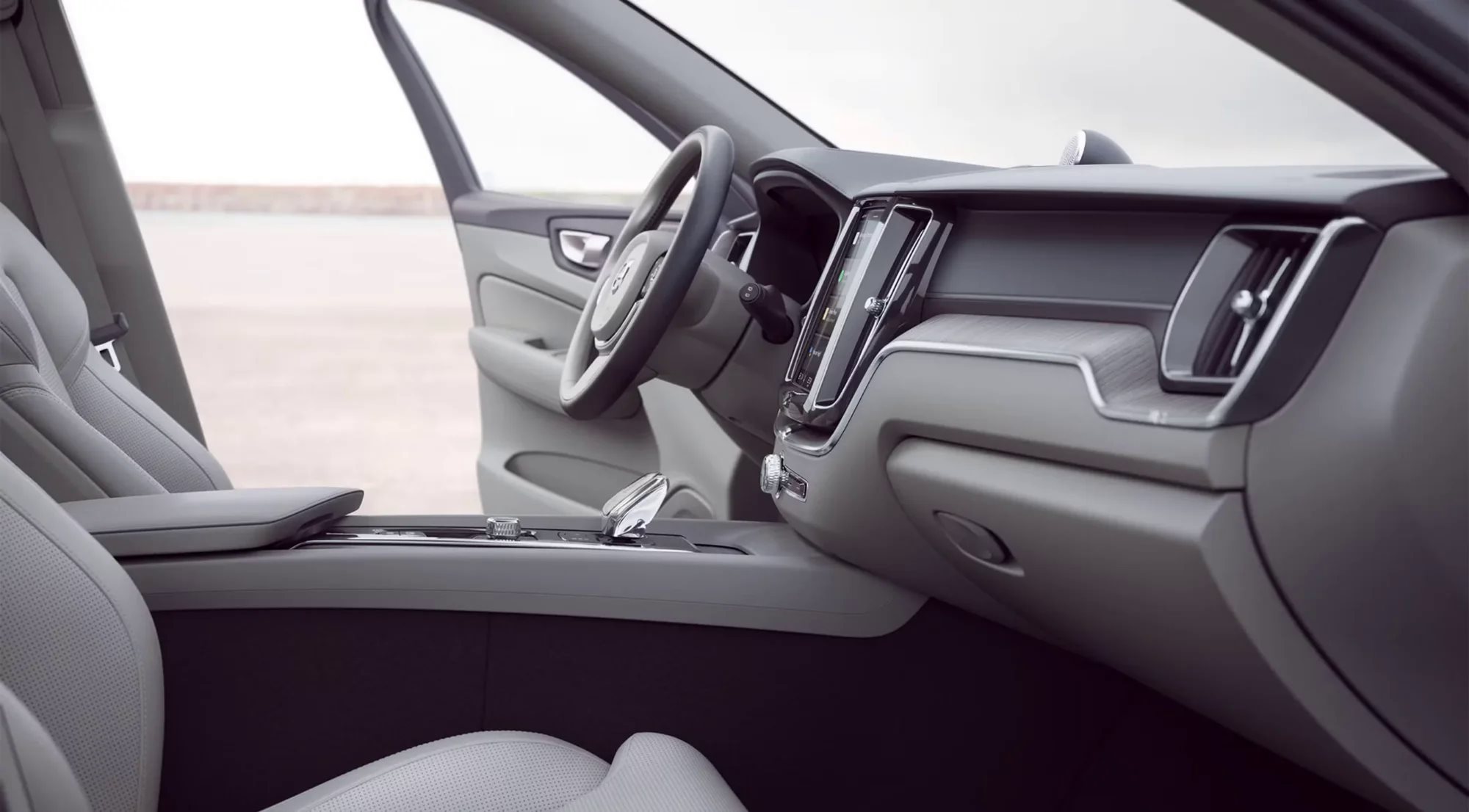
5. The 360-degree camera view in a tight Bayside space
On a car equipped with the 360-degree camera view, front, rear and side cameras build a bird's-eye view of the car on the center display, with graphics showing the path the car will take.
| The view | What you see | Where it helps |
|---|---|---|
| 360-degree view | A bird's-eye view from front, rear and side cameras | Parallel parking on a narrow Queens side street. |
| Path graphics | The car's intended path on screen | Judging the swing into the space. |
| Split screen | A nearly 180-degree front or rear view alongside | Seeing along the curb and across the lane at once. |
| Side sensors | Objects at the side of the car | A pillar or a low wall in a garage. |
| Cross Traffic Alert | Vehicles crossing behind you | Reversing out between parked cars. |
| Zoom on the 180-degree view | A closer look behind | Lining up a hitch, if you tow. |
On a car equipped with it, the 360-degree camera view uses front, rear and side cameras to build a high-resolution bird's-eye view on the center display, and graphics on screen show the path the car intends to take.
The split screen adds a nearly 180-degree front or rear view at the same time, which is the view that shows the curb and the crossing traffic together. On the XC60, side sensors add awareness of objects beside the car, which is where a pillar in a Queens building garage or a low wall would be.
Reversing out of a space on a Bayside side street, Cross Traffic Alert with auto brake watches for vehicles crossing behind you and can brake if needed.
The 360-degree view is available equipment, so tell us the model you are coming to drive and we will confirm the car at our showroom is equipped with it.
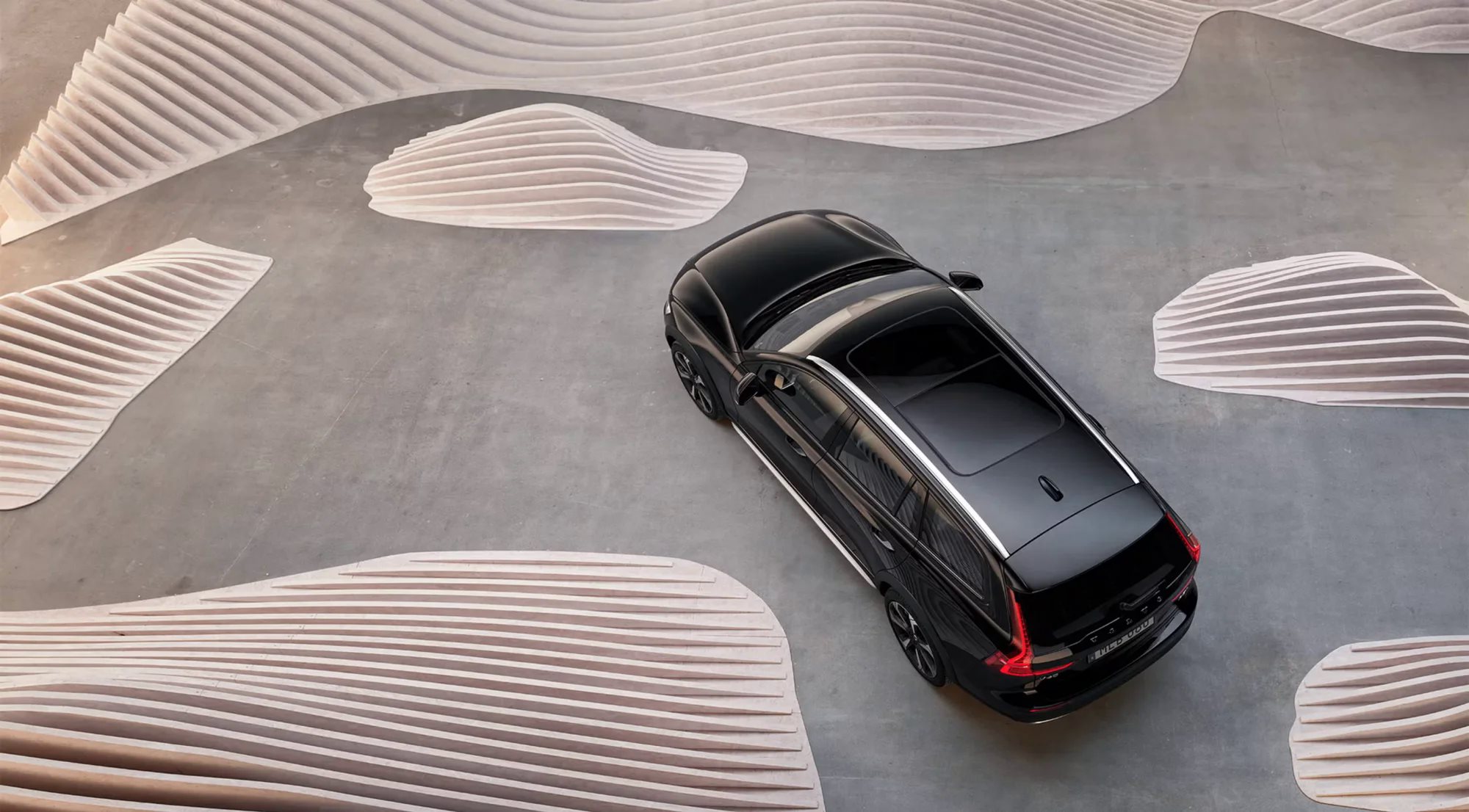
6. Two models on the same roads, with your family along
Once we confirm both cars are here, you drive them one after the other. The people who ride with you are welcome at our showroom too, because the back seats are half of the decision for a family.
| The pair | Seats | What the back-to-back drive shows |
|---|---|---|
| XC60 and XC90 | 5, and 6 or 7 | The step from a midsize SUV to a large one, in the same Bayside parking space. |
| XC90 and XC90 plug-in hybrid | 6 or 7 in both | A six- or seven-seat SUV as a mild hybrid and as a plug-in hybrid. |
| XC90 and EX90 | 6 or 7 in both | A large SUV as a mild hybrid and as a fully electric car. |
| XC40 and XC60 | 5 in both | The compact SUV against the midsize, in the same Bayside parking space. |
| XC40 and EX30 | 5 in both | A compact SUV as a mild hybrid and as a fully electric car. |
Driving two cars on the same roads, one straight after the other, puts the difference in the car and nowhere else. Of the 455 written Google reviews we read, as of September 2026, 71 describe our team as patient. Barbara Dennehy wrote in her review: “He was extremely patient as I couldn't decide between 2 models of car.”
The people who will ride in the car are welcome on the drive from Bayside. On a seven-seat XC90, child seats can go in any of the three second-row seats, with ISOFIX anchorages in the outer positions, and the standard four-zone climate lets second-row passengers set their own temperature. The power child lock for the rear doors and windows works from the driver seat.
Tell us any two of our new cars, and we will confirm both at our Bayside showroom.
Send us the two models and who is coming, and we will confirm both cars are here before you drive over to Northern Blvd.
How do you want to buy it?
The Volvo is yours from the day you take it, with no mileage limit and no date it has to come back.
You choose the term, and our finance team takes you through the rate, the term and the total before anything is signed.
The term and the mileage allowance are agreed at the start: tell us the miles you drive in a year and we will show you the allowances available. At the end you hand the Volvo back, buy it if the agreement allows, or begin another.
Start with our Value Your Trade tool for an estimate of what you drive now, and ask us to show the trade figure on its own.
The questions you may still have
The drive
What route does the test drive take?
It starts and ends at our Bayside showroom. Tell us the roads you use every week, and our team will see whether the drive can include them.
Where does the test drive start?
At our showroom at 209-18 Northern Blvd in Bayside. Our service department is in a separate building in Great Neck; the drive starts and ends in Bayside.
What do I need to bring?
Your driver's license and your phone, and we walk you through connecting the phone before you leave our showroom, so your own music and contacts come with you.
On the car
Can I use Pilot Assist on the test drive?
Yes, on a car equipped with it, where there are clear lane markings, with your hands on the wheel and you in charge. At our showroom, we show you the buttons before you set out.
Will the car have the 360-degree camera?
It is available equipment, so tell us the model and we will confirm the car at our showroom is equipped with it.
Can I save my seat position?
Yes, on a car with memory seats, and at our showroom we show you how the M button saves it, with the mirrors and the head-up display, before the drive.
Can I connect my phone during the test drive?
Yes. Apple CarPlay and Android Auto connect through the port in the center console, and at our showroom we walk you through it before you set out.
Two cars
Can I drive two Volvo models on the same visit to Bayside?
Yes. Once our team confirms both are here, you drive one straight after the other.
Which two should I compare?
Tell our team what you are deciding and we will suggest the pair. The XC60 and XC90 show five seats against six or seven; the XC90 and EX90 show the same size of car as a mild hybrid and fully electric.
Who comes along
Can my family come on the test drive?
They are welcome at our showroom and on the drive, and our team shows you where a child seat fits on the car itself.
Can I speak to someone in my own language?
Yes: English, Spanish, Greek, Mandarin, Cantonese, Croatian, Korean, Bulgarian or Italian. Tell us the language when you book, and our team guides you through the visit in it.
Arranging it
How do I book a Volvo test drive in Queens?
Through the contact form on our site: put the models, the day and who is coming in the message, and our team confirms the cars and the time.
Is the car I want in stock?
Tell us the model and we will confirm what is here to drive before you come in to Bayside.
People also ask
What should you test on a test drive?
The Queens roads you drive every week. A Volvo test drive from Bayside can take in a merge, the traffic on Northern Blvd and a tight space to park, if you ask for them.
The seat, mirrors and displays come first, then time to try Pilot Assist, the voice assistant and the parking camera where the car has them.
Can you test drive two cars on the same day?
Yes. With both cars confirmed by our team, you drive them back to back, so the difference you feel is the car.
Does Volvo Pilot Assist steer the car?
Pilot Assist guides your steering on clear lane markings while it manages speed and distance. Your hands stay on the wheel and you remain responsible for the drive. Steering assistance is unavailable during a lane change and, on an XC90, above 87 mph.
Can you bring family on a test drive?
Yes. The people who ride in the back judge the car as much as the driver, so they are welcome at our showroom and on the drive.
What does the Volvo 360 camera show?
A bird's-eye view of the car from front, rear and side cameras on the center display, with graphics showing the path the car will take and a split screen that adds a wide front or rear view. It is available equipment, so our team confirms it is on the car you drive.
Sources & references
- The blind spot information system supports you when you change lanes. www.volvocars.com/us/cars/xc90/features/
- Pilot Assist combines speed management and steering guidance. www.volvocars.com/us/support/car/xc90/article/47d2c97fd33effd3c0a8cc3718c999b7-69b1d5f35a03429ac0a8b0970ac5ed2e-8664b2fa77a7e089c0a8296870d1a409/
- The first time you activate it on a drive, your speed becomes the target speed. www.volvocars.com/us/support/car/xc90/article/d6cfcf50d422fa2ac0a8cc37796a4b5f-69b1d5f35a03429ac0a8b0970ac5ed2e-8664b2fa77a7e089c0a8296870d1a409/
- Target speed from 20 to 110 mph. www.volvocars.com/us/support/car/xc90/article/d6cfcf50d422fa2ac0a8cc37796a4b5f-69b1d5f35a03429ac0a8b0970ac5ed2e-8664b2fa77a7e089c0a8296870d1a409/
- The memory buttons are on the inside of the front door. www.volvocars.com/en-ca/support/car/xc90/16w46/article/35d6634d8d30efddc0a80151432adc19/
- Shortcuts such as the available 360-degree camera appear as you need them. www.volvocars.com/us/cars/xc60/features/
- Hey Google activates the assistant. www.volvocars.com/us/support/car/xc90/article/c1772633d3b95aacc0a8cc37250ab5bd-d30d299be1971d06c0a8cc537088051d-8664b2fa77a7e089c0a8296870d1a409/
- The XC90, XC90 plug-in hybrid and EX90 seat 6 or 7. www.volvocars.com/us/test-drive-booking/
- The XC40 seats five. www.volvocars.com/us/cars/xc40/specifications/
- The EX30 seats five. www.volvocars.com/us/cars/ex30-electric/specifications/
- Google reviews for Volvo Cars of Queens maps.google.com/?cid=859040741730541738
Ask us to check any figure here against the specific vehicle.
Your drive begins in Bayside, on the day that suits you
209-18 Northern Blvd
Bayside, New York 11361
Service
- Mon–Fri
- 7 AM–6 PM
- Sat
- 8 AM–1 PM
- Sun
- Closed
- Address
- 31 Watermill Ln, Great Neck
- Phone
- 516-482-1988
Tell us the models and the day through the contact form, and we will confirm both cars are here before you arrive.
Written by
Reviewed by
Sales Manager · reviewed September 2026